
Human handover in Chatmake is a powerful feature that ensures your customer's questions are actually getting answered in all cases.
If the chatbot cannot answer by itself, for example because it has missing knowledge or it's about a very customer-specific issue, the chatbot can start a human handover if you activate the feature in the Chatmake settings.
Handover works like this:
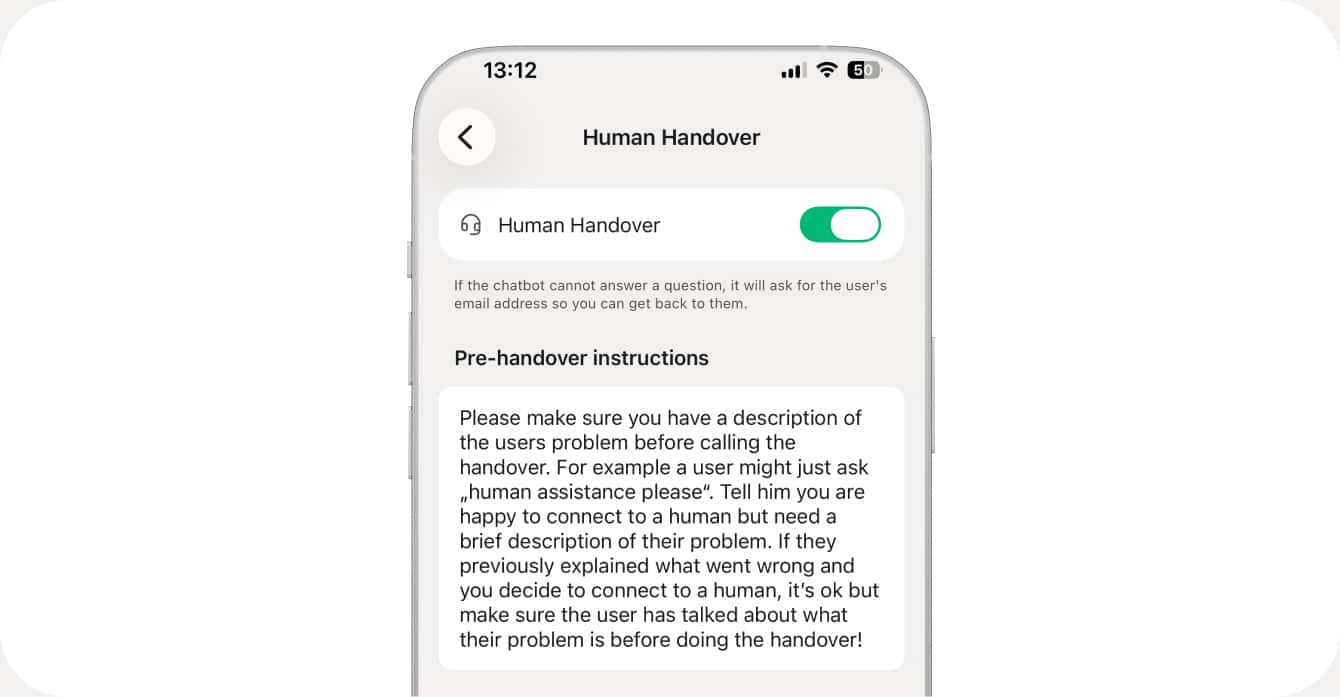
You can put a custom prompt here to ask the agent what to do before handing over to you. This can be useful if you want to ensure a customer that needs help always entered some relevant information before.
Example: You run an online shop and you need an order number to help a customer efficiently. You can ask your Chatmake bot via the pre-handover instructions to always ask the customer for their order number before calling the human handover.