Chatmake can send you push notifications so you never miss a conversation of your customers with your chatbot. Make sure to enable push notifications in your iOS settings for Chatmake.
Then open the Chatmake settings in the app and on the "Notifications" tab you can choose between:
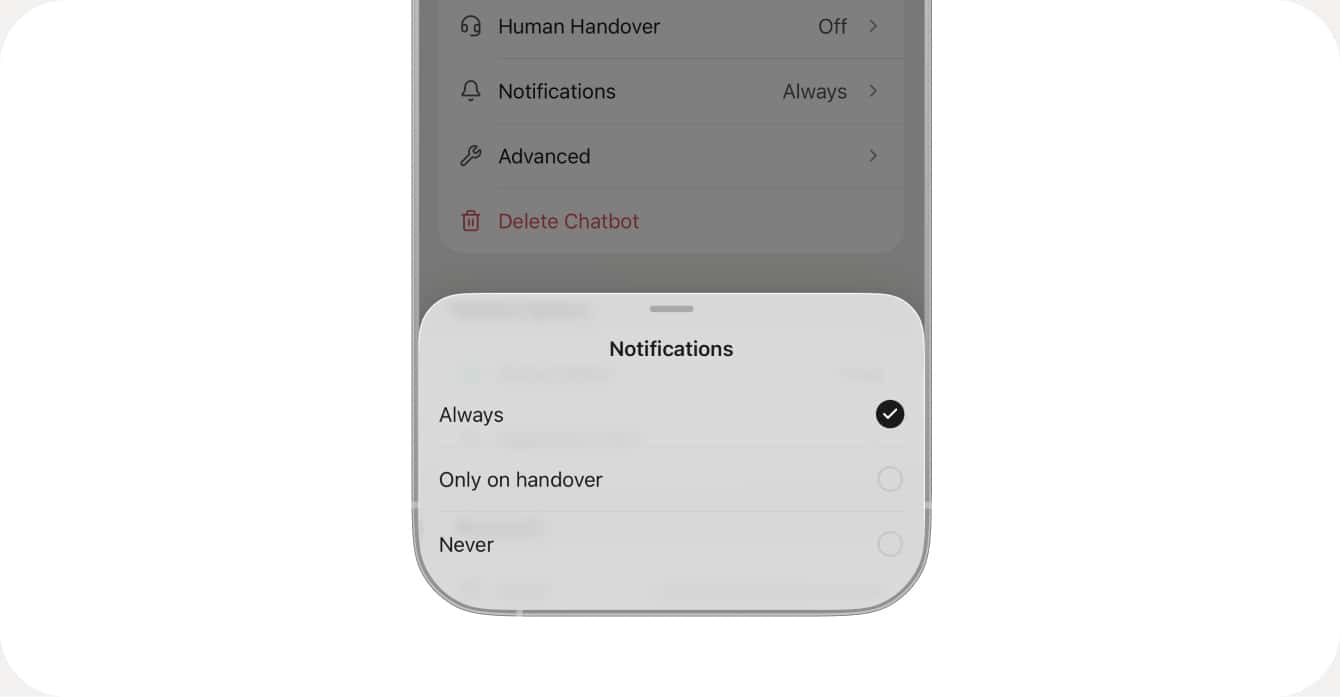
You can change the notification settings for each chatbot if you have multiple chatbots in one account.