Summary
🥇 Best overall: Chatmake
Chatmake is the simplest way to create an AI chatbot for your business. It's the only builder you can set up entirely from your phone, and the chatbot lives as a branded chat page you can share with a single link. Perfect if you don't want to deal with dashboards, integrations, or code.
🥈 Best for customer support teams: Tidio
Tidio is a solid choice if you already have a website and want to add a live chat widget with AI support. It's more of a full customer service platform, so it's better suited for businesses that have a small support team rather than solo owners.
🥉 Best for social media: ManyChat
If most of your customers come through Instagram, TikTok or WhatsApp, ManyChat is the go-to. It automates DM replies and comment responses. Not really a chatbot builder in the traditional sense, but great for creators and social sellers.
Review
Updated for 2026!
1. Chatmake – AI Chatbot Builder
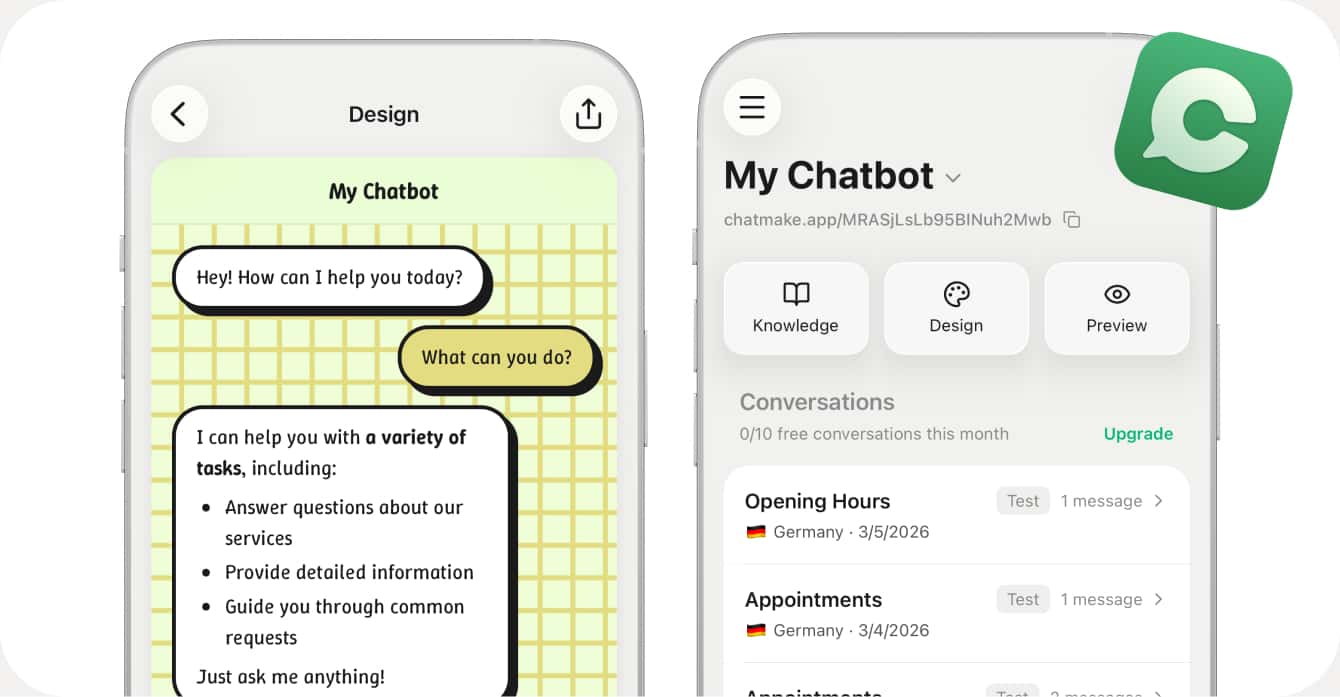
Chatmake is a different kind of chatbot builder. Instead of giving you a complex dashboard on a desktop, you build your entire chatbot from your phone. Add your business info, import content from your website, customize the design, and share a link. That's it.
What I really like about Chatmake is how focused it is. You're not wading through dozens of features you'll never use. You add your knowledge (opening hours, pricing, FAQs, policies, whatever your customers ask about), pick your colors and branding, and you get a chat page at chatmake.app/your-name that you can put anywhere: your website, Instagram bio, Google Business Profile, or just text it to people.
The chatbot only answers based on what you've given it, so it stays on topic and doesn't hallucinate random stuff. And when it can't answer something, you get a notification and can reply yourself. That human handover feature is a really nice touch — it means you're not leaving customers hanging.
The big downside? It's currently iOS only (Android is planned but not out yet), and there are no integrations with tools like Slack or Shopify. If you need a chatbot that plugs into an existing customer service workflow, this isn't the one. But if you're a solo business owner who wants something that just works without any setup headaches, Chatmake is hard to beat.
ℹ️ Quick facts:
- Download on the App Store 📲
- Price: Free (10 conversations/month), Pro for unlimited conversations
- Platform: 🍏 iOS (Android planned)
- From: 🇩🇪 Germany
- Available languages: English + 23 more
👍 Pros:
- Incredibly easy to set up: takes just a few minutes
- Build and manage everything from your phone
- Branded chat page with a shareable link
- Human handover when the bot can't answer
- Chatbot stays on-topic based on your knowledge base
- Generous free tier to get started
👎 Cons:
- iOS only for now, no Android or web dashboard yet
- No integrations with CRMs or e-commerce platforms
- Limited analytics compared to enterprise tools
2. Tidio
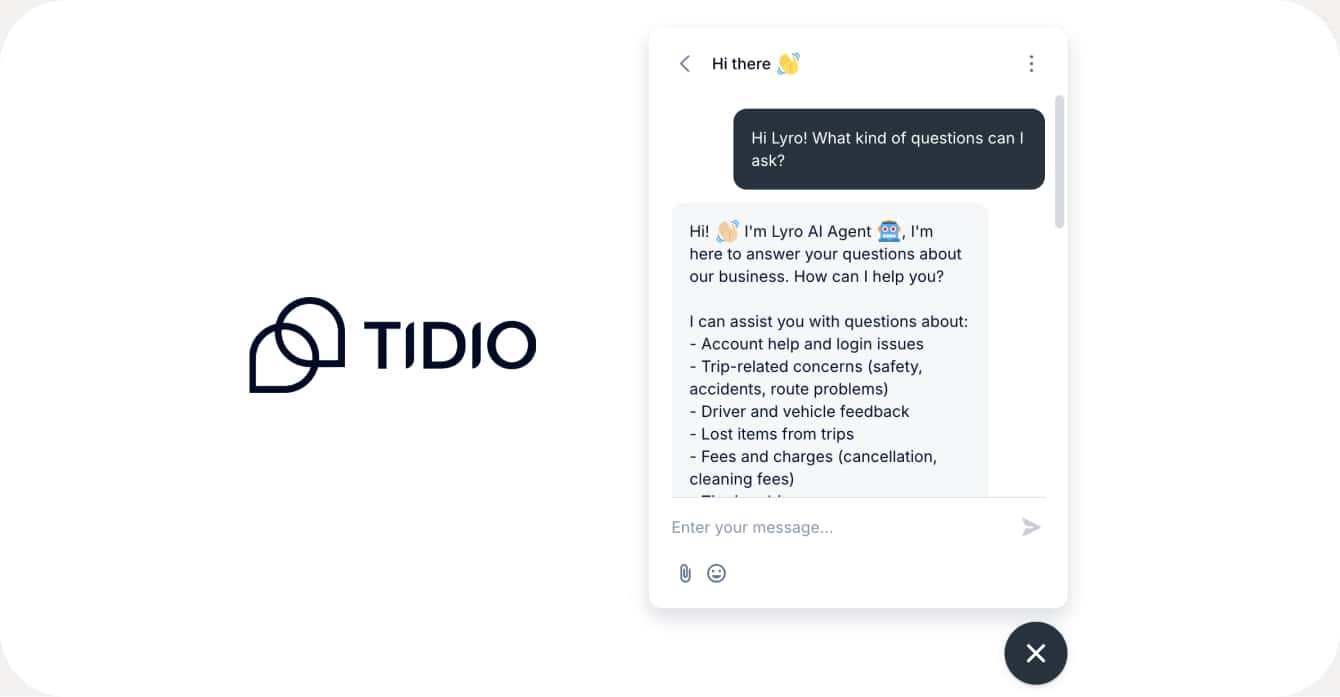
Tidio is one of the most well-known customer service platforms for small and medium businesses. It combines live chat, a ticketing system, and an AI agent called Lyro into one package. If you already have a website and a small support team, Tidio is a really solid option.
Lyro, their AI agent, can handle common customer questions automatically and hands off to a human when it gets stuck. It's trained on your support content and claims a 67% resolution rate, which is impressive. The platform also has Flows – basically automated conversation paths you can build with a drag-and-drop editor to capture leads or route customers.
That said, Tidio is more of a full customer service suite than a simple chatbot builder. The pricing can get confusing with separate charges for conversations, AI conversations, and flow visitors. And if you're a solo business owner without a support team, it might feel like overkill. The free plan gives you 50 billable conversations which is decent to test the waters.
ℹ️ Quick facts:
- Website 🌐
- Price: Free (50 conversations), Starter from €24.17/month, Growth from €49.17/month
- Platform: 🌐 Web + 📱 Mobile apps
- From: 🇵🇱 Poland / 🇺🇸 United States
- Available languages: Multilingual chat widget
👍 Pros:
- Complete customer service platform: live chat, tickets, AI agent
- Lyro AI agent handles complex questions well
- 120+ integrations with Shopify, WordPress, Salesforce, etc.
- Visual flow builder for automated conversations
- Available on desktop and mobile
👎 Cons:
- Pricing is complex with multiple usage-based components
- Can feel overwhelming for solo business owners
- AI features (Lyro) cost extra on top of the base plan
- More of a support platform than a chatbot builder
3. Chatfuel
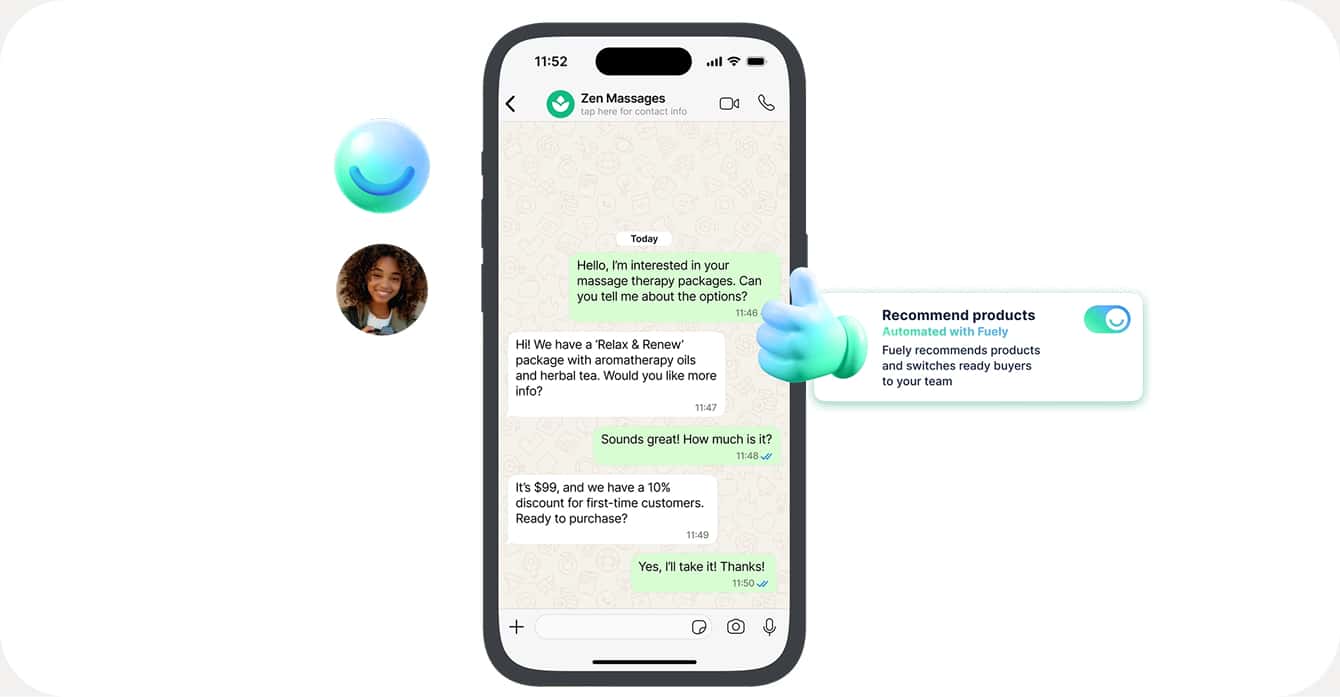
Chatfuel has been around for a while and recently repositioned itself as a WhatsApp and Instagram-first tool for service businesses. Think aesthetic clinics, beauty salons, dental offices, restaurants – businesses where most customer communication happens over messaging apps rather than a website chat widget.
The setup is pretty straightforward. You can build chatbot flows with their visual editor, connect to WhatsApp Business or Instagram DMs, and automate things like appointment confirmations, follow-up reminders, and FAQ responses. They also have a shared inbox so your team can see all conversations in one place.
Where Chatfuel falls short for many small businesses is the channel lock-in. If your customers mainly find you through Google or your website (not WhatsApp or Instagram), Chatfuel won't help much. There's also no way to create a standalone chatbot page – your bot only lives inside existing messaging platforms. The pricing starts at around €24/month for the Business plan.
ℹ️ Quick facts:
- Website 🌐
- Price: Business from €23.99/month, Enterprise from $400/month
- Platform: 🌐 Web dashboard
- Channels: WhatsApp, Instagram, Facebook Messenger, TikTok
- From: 🇺🇸 United States
- Available languages: English
👍 Pros:
- Great for WhatsApp and Instagram-heavy businesses
- Shared inbox for team collaboration
- Integrations with Stripe, Calendly, Zapier, Shopify
- Offers bot building services if you don't want to DIY
👎 Cons:
- Only works on messaging platforms, no website chat or standalone page
- Not useful if your customers don't reach out via WhatsApp/Instagram
- English only
- Template library is limited compared to some competitors
4. ManyChat
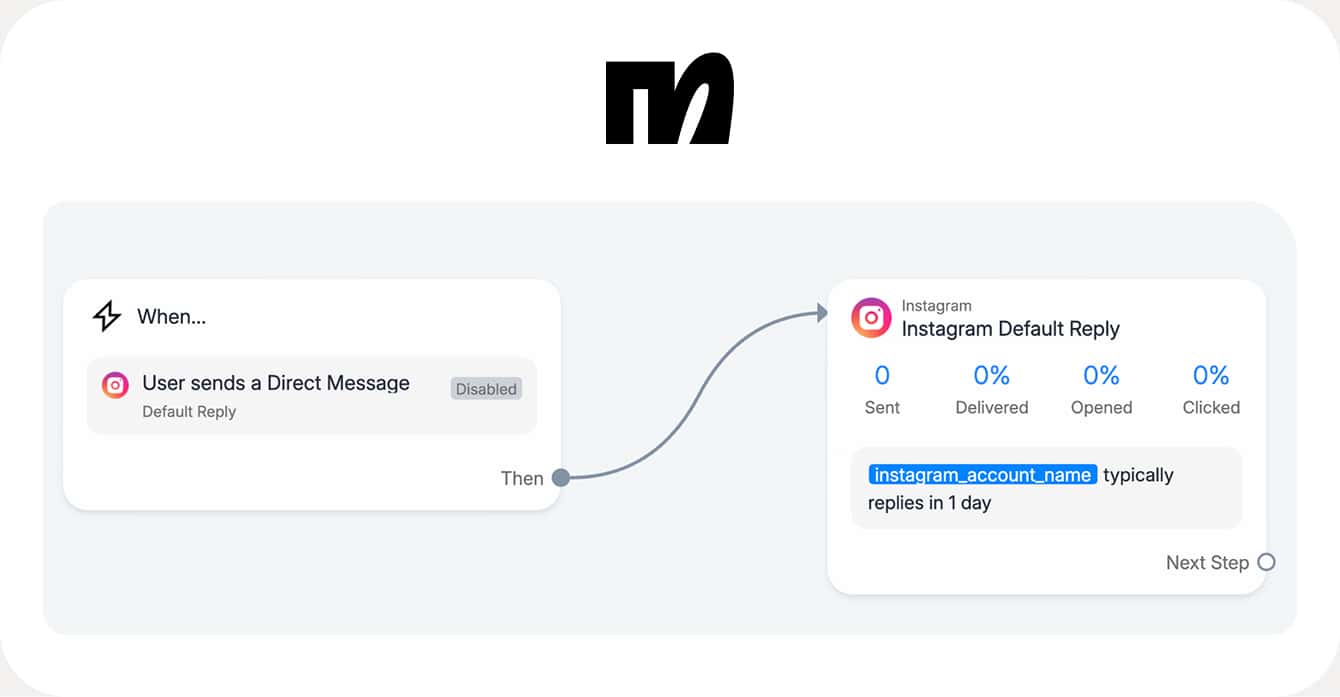
ManyChat is the king of social media automation. If you're a creator, brand, or small business that gets most of its customers from Instagram or TikTok, ManyChat is probably already on your radar. It's used by over 1 million businesses and creators, and for good reason – it's really good at what it does.
The core idea is automating DM conversations. Someone comments on your post? ManyChat sends them a DM with a link, a discount code, or a lead capture form. Someone messages you on Instagram? It can auto-respond, qualify the lead, and even close a sale. The flow builder is intuitive and you don't need any technical knowledge to get started.
But here's the thing: ManyChat is not really a chatbot builder for customer support. It's a marketing and sales automation tool that uses chat. If what you need is an AI bot that answers customer questions about your business, ManyChat isn't designed for that. It follows pre-built flows, it doesn't generate AI responses from a knowledge base. Also, the free plan only supports 1,000 contacts and some features get restricted once you hit that limit.
ℹ️ Quick facts:
- Website 🌐
- Price: Free (up to 1,000 contacts), Pro from $15/month (scales with contacts)
- Platform: 🌐 Web dashboard
- Channels: Instagram, Facebook Messenger, WhatsApp, TikTok, SMS, Email
- From: 🇺🇸 United States
- Available languages: English
👍 Pros:
- Best-in-class Instagram and TikTok DM automation
- Official Meta and TikTok partner
- Easy-to-use flow builder with templates
- Great for lead generation and sales funnels
- Affordable starting price
👎 Cons:
- Not an AI chatbot; follows scripted flows, doesn't answer questions from a knowledge base
- Focused on social media, not website visitors or standalone chat
- Free plan is limited to 1,000 contacts
- No AI-generated answers to customer questions
5. Collect.chat
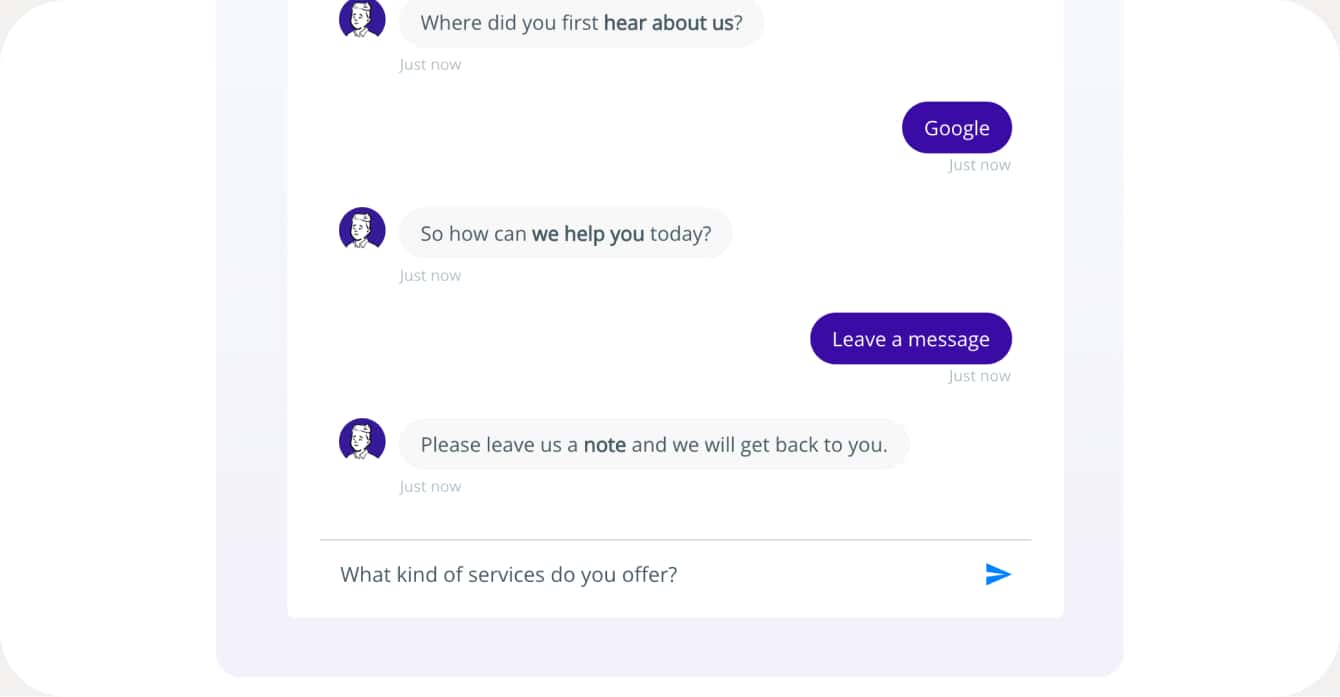
Collect.chat takes a different approach. Rather than building an AI chatbot that answers questions, it creates interactive conversational forms – think of it as a chat-style survey or lead capture widget that sits on your website.
It's actually pretty neat for specific use cases like booking appointments, qualifying leads, or collecting feedback. The drag-and-drop builder is simple, you can choose from 50+ templates, and the widget looks clean on any website. They also have an AI form builder where you describe your business and it generates a form for you.
The limitation is obvious though: this isn't an AI chatbot. It can't answer unpredictable customer questions. It follows a fixed script with predefined questions and answer options. So if a customer asks "do you have parking?" or "what's your return policy?", the bot can't help unless you've built that exact question path. For simple data collection it's great, but for actual customer support it falls short.
ℹ️ Quick facts:
- Website 🌐
- Price: Free (50 responses/month), Lite $24/month, Standard $49/month, Plus $99/month
- Platform: 🌐 Web
- Integrations: Google Sheets, Zapier, Salesforce, Mailchimp, Slack, WordPress, Shopify
- From: 🇮🇳 India
- Available languages: Multi-language support
👍 Pros:
- Very easy to set up with a drag and drop builder
- Good for appointment booking and lead capture
- 50+ templates to get started quickly
- Works on any website with a simple code snippet
- Affordable pricing
👎 Cons:
- Not an AI chatbot, it's a conversational form builder
- Can't answer unpredictable customer questions
- Fixed scripts only, no knowledge-based AI responses
- Free plan is very limited at 50 responses/month
6. Intercom
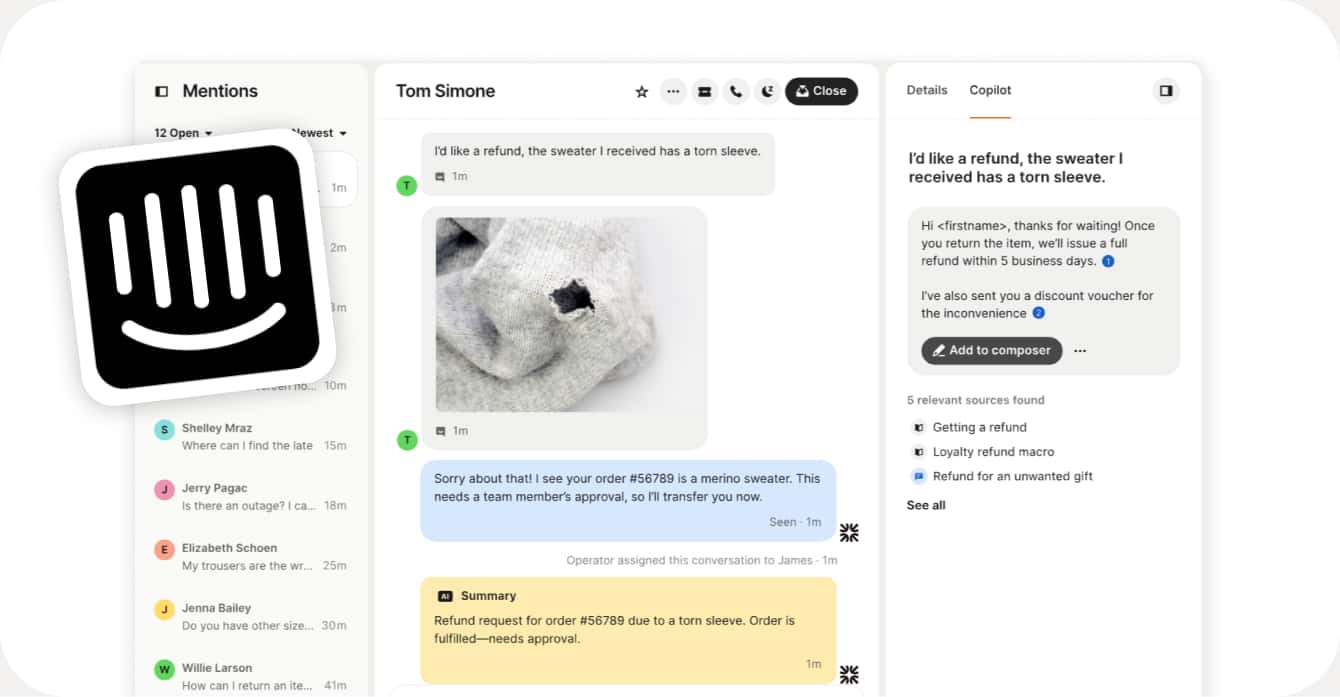
Intercom is the heavyweight on this list. If Chatmake is the easy-to-use phone app and Tidio is the mid-range platform, Intercom is the full-blown customer service suite built for companies with dedicated support teams, developers, and serious budgets.
Their AI agent Fin is genuinely impressive – it can handle complex multi-step queries, works across live chat, email, WhatsApp, SMS, and social media, and integrates with practically everything (Salesforce, Zendesk, HubSpot, Jira, 450+ apps). Fin charges $0.99 per resolution, which means you only pay when it actually solves a customer's problem. That's a clever pricing model.
But for small businesses? Intercom is almost certainly overkill. The base plan starts at $29/month per seat just to get access, and then you add Fin resolutions on top. The platform is complex, takes time to set up properly, and is clearly designed for companies with at least a few support agents. If you're a solo salon owner or freelancer, this isn't for you. But if you're growing fast and planning to scale your support team, Intercom is worth knowing about.
ℹ️ Quick facts:
- Website 🌐
- Price: Essential from $29/seat/month + $0.99 per Fin AI resolution, 14-day free trial
- Platform: 🌐 Web + 📱 Mobile apps
- Channels: Live chat, email, WhatsApp, SMS, social media, phone
- From: 🇺🇸 United States / 🇮🇪 Ireland
- Available languages: 45+ languages
👍 Pros:
- Best-in-class AI agent (Fin) with high resolution rates
- Works across every channel: chat, email, WhatsApp, SMS, social, phone
- 450+ integrations
- Pay-per-resolution pricing for AI means you only pay for results
- Powerful analytics, ticketing, and team management
👎 Cons:
- Expensive, not built for solopreneurs or very small businesses
- Complex setup, steep learning curve
- Requires a support team to get the most value
- Overkill if you just need a simple FAQ bot
7. Lovable – Build Your Own (DIY Option)
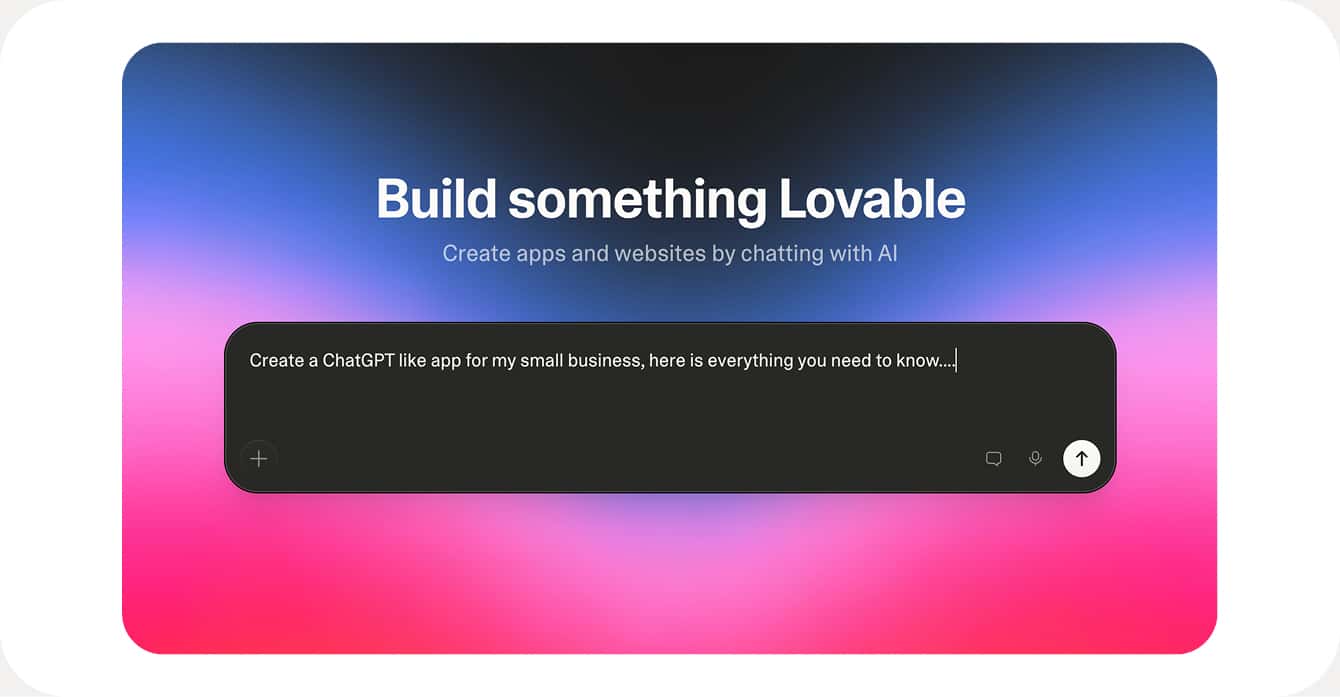
This one's a bit different. Lovable isn't a chatbot builder, it's an AI-powered app builder. You describe what you want in plain English and Lovable generates a full web application for you. So in theory, you could ask it to build you a custom chatbot website from scratch.
We included it because some tech-savvy business owners might prefer to build something fully custom rather than using an off-the-shelf chatbot tool. And to be fair, the results can be impressive. You get a real web app with actual code that you own and can host anywhere. Lovable handles the frontend, can connect to APIs, and gives you total creative freedom.
The flip side? It's not a chatbot tool. You need to figure out the AI logic yourself – connecting to OpenAI's API, building a knowledge base, designing the chat interface, handling conversation memory, hosting the thing. For someone who's technical and wants full control, that's exciting. For a small business owner who just wants a chatbot that works, it's a rabbit hole. You could easily spend days building what Chatmake gives you in 10 minutes.
ℹ️ Quick facts:
- Website 🌐
- Price: Free (5 daily credits), Pro $25/month, Business $50/month
- Platform: 🌐 Web
- What you get: A full custom web app (not a ready-made chatbot)
- From: 🇸🇪 Sweden
- Available languages: English
👍 Pros:
- Total creative freedom — build exactly what you want
- You own the code and can host it anywhere
- Great for developers or technical founders
- Can build more than just chatbots
👎 Cons:
- Not a chatbot builder — you're building a web app from scratch
- Requires technical knowledge to connect AI, build a knowledge base, handle hosting
- Takes significantly more time than a dedicated chatbot tool
- No built-in analytics, conversation tracking, or human handover
- You're responsible for maintaining and updating everything yourself
So, which chatbot builder should you pick?
It really depends on what you need:
If you want the simplest possible setup and you're a solo business owner or freelancer who wants a chatbot up and running in minutes: Chatmake is the clear winner. Build it from your phone, share a link, done.
If you already have a website with a support team and need live chat plus AI: go with Tidio or Intercom (depending on your budget).
If your business lives on Instagram, TikTok or WhatsApp: ManyChat or Chatfuel will serve you better than a traditional chatbot.
If you just need to collect leads or book appointments on your website: Collect.chat gets the job done without the complexity of a full chatbot.
And if you're technical and want full control: Lovable lets you build whatever you can imagine, but be prepared to invest real time.
We hope this helps you find the right chatbot builder for your business ✨